
Adam here!
OpenAI's new GPT-6.1 Terra model promises faster, cheaper computer work. Apple is bringing AI assistants into Pages, Keynote and Numbers.
Meanwhile, Canva's Brush model edits designs you already have, and AI companies are backing a simpler way to express website training preferences.
This week: AI is moving closer to the work, while the choices about access and control still need a human.
Let's get into it.
OPENAI
GPT-6.1 Terra Makes Computer Work Faster and Cheaper
OpenAI announced GPT-6.1 Terra on 26 October: a model built for visual reasoning, computer use and writing. Its examples include interpreting technical drawings, filling in forms, drafting proposals and editing videos.
The pitch is practical: complete everyday work faster, at a lower cost. OpenAI says standard API pricing is 50% below GPT-5.6 Terra and GPT-6.1 Sol. In Work and Codex, the same plan allowance can cover more tasks.
Where to find it: Terra is rolling out in ChatGPT Work and Codex on eligible paid plans, and is available through the API. It isn't in regular Chat. Access depends on your plan, rollout and workspace settings.
My take: a faster model earns its place when it finishes the job with less checking. OpenAI still recommends Sol or Astra for the most complex coding tasks.
Try this: select Terra for one repeatable task you already do in Work or Codex. Compare the finished result, time taken and corrections needed with your usual model before changing your whole workflow.
APPLE
Apple Is Putting AI Assistants Inside Pages, Keynote and Numbers

Apple has announced assistants that work inside Pages, Keynote and Numbers, built on Apple models and OpenAI. They can use the document you're working on as context, so you don't have to keep copying it into a separate chat.
What this could mean for you:
In Keynote, help designing, animating and refining your slides
In Pages, drafting and restructuring a proposal
In Numbers, organising data and suggesting charts
Apple is also adding MCP support, a connection that lets outside AI agents read and edit content in those apps.
Availability matters: the updates are due in November for Apple Creator Studio subscribers, with assistant features in beta. This isn't a feature every Mac owner can switch on today.
My take: the useful shift is AI working where the file already lives. The test will be whether it saves more time than checking its edits takes.
Try this when it arrives: start with a copy of an existing proposal. Ask it to tighten one section, then compare the result with your original.
MORE AI NEWS
CANVA
Canva Brush Edits the Design You Already Have

Last week we covered Canva Craft, which generates images. Now Canva has introduced Brush, a model that powers supported design edits in Canva AI.
It can work on the structure of an existing design: change copy, update headings across several pages, restyle a layout or adapt it for another format. The elements remain editable afterwards.
It's available for Canva Pro subscribers. Open a design, or attach or link one in Canva AI, then select Brush from the model dropdown.
There are limits worth knowing: Brand Kit support and improvements for image-heavy layouts are still being developed. Don't assume it will automatically follow every brand rule.
My take: making a first draft is useful. Fixing the same heading across ten slides is the kind of small job that quietly eats your afternoon.
Try this: “Change every section heading to sentence case. Keep the wording, images and other formatting unchanged.” Review each page before you export.
AI + YOUR WEBSITE
A Simpler Way to Tell AI Companies Not to Train on Your Website
Major AI providers are backing a shared signal in robots.txt, the file websites use to communicate crawler preferences. The idea: express an AI training preference once, rather than maintaining a separate rule for every participating provider.
This is an announcement of support, not a universal switch you can rely on today. OpenAI aims to implement it in the coming months; Google is targeting 2027. Existing provider-specific controls continue to apply.
It also matters what you're opting out of. AI training and appearing in AI answers are different uses. Google's announcement describes how its existing Google-Extended setting relates to eligibility for grounding in Gemini Apps, so the details deserve a careful read.
My take: website owners need clearer choices about how their content is used. A shared signal could simplify that job, but implementation and provider policies will determine what it actually does.
Try this: ask whoever manages your website to document your current AI crawler rules before changing anything. Decide what you want to permit, then check each provider's guidance.
TWEETS OF THE WEEK
MORE AI IN ACTION

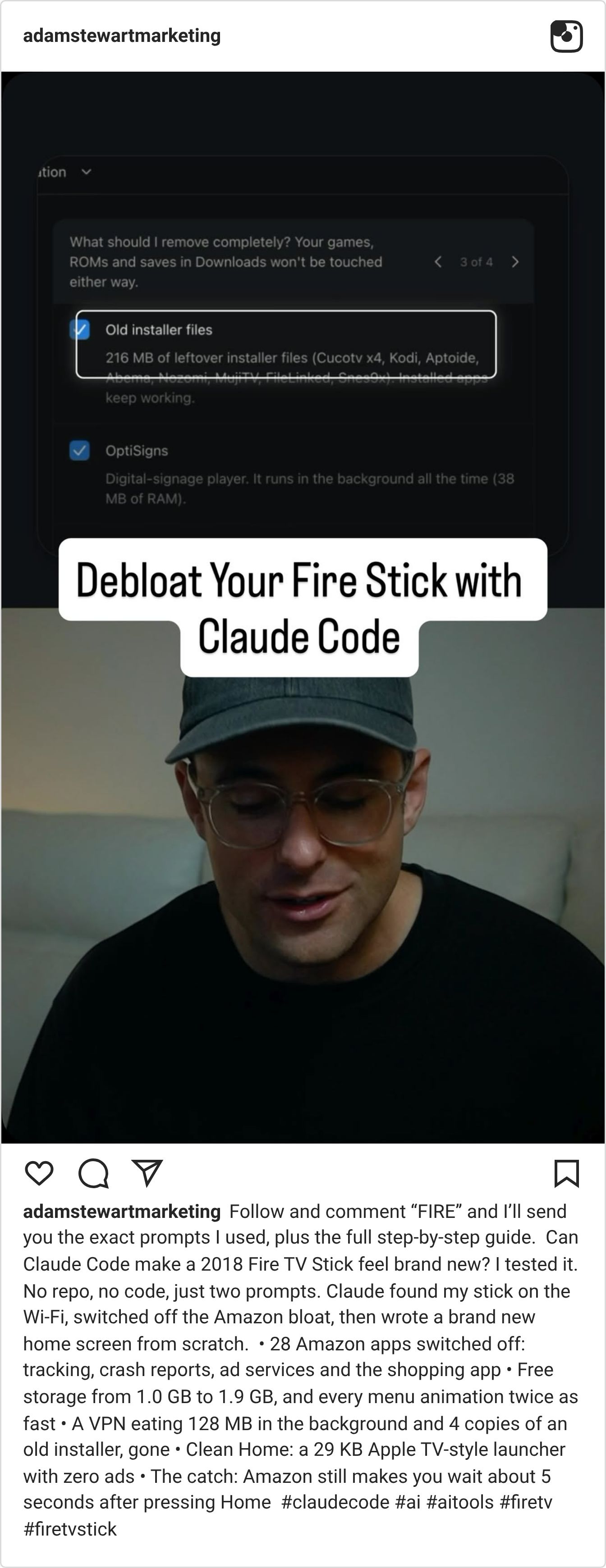
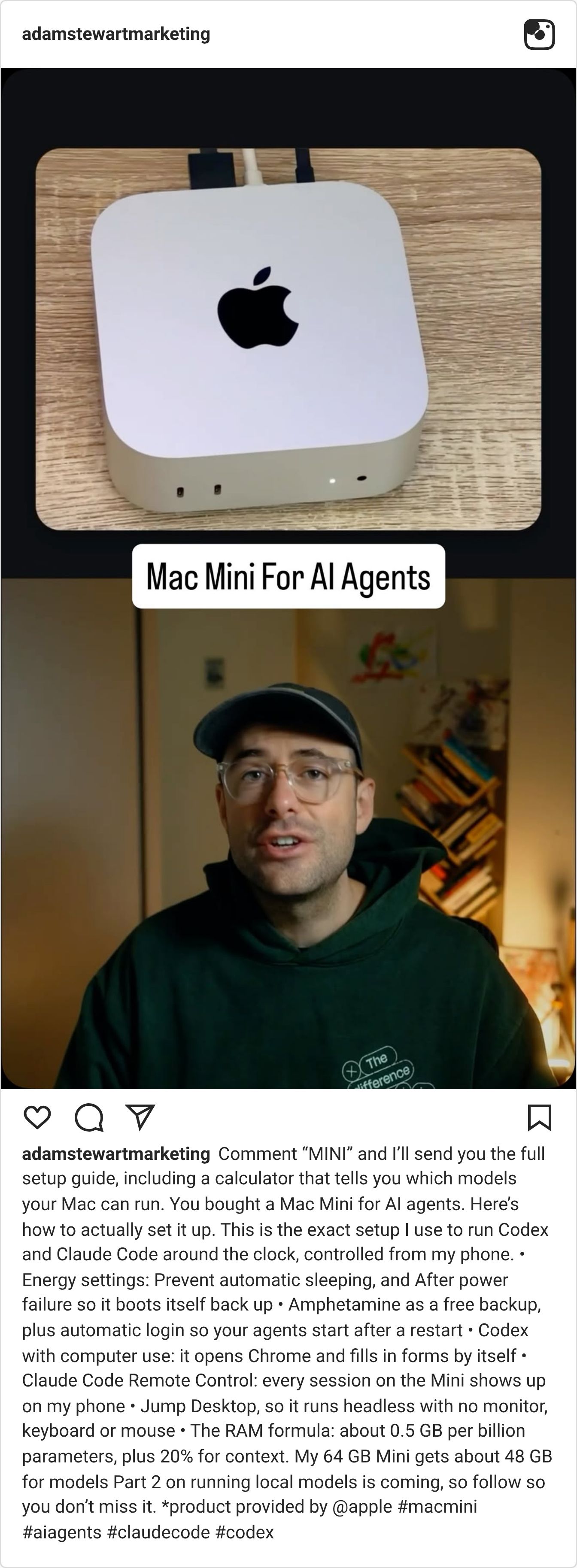
AI SYSTEMS LAB

On the latest Lab call I showed how I edit my videos by typing: Claude Code or ChatGPT Codex reads the footage, cuts it, captions it and renders the finished reel.
Members are now building their own Menu Books: named editing styles you can order again with a single line, like a house style for every video you post.
Inside the Lab you get the full recording, every install command and prompt, plus a live Hot Seat call each week where we get you unstuck on whatever you're building.
If this week's issue made you want AI doing real work in your business, that's exactly what we build in there.
