
Adam here!
The free version of ChatGPT is about to start showing ads.
That's the theme this week: the AI inside the tools you already use is getting better and more built in, and the companies behind it are working out how to get paid. OpenAI gave everyone a smarter ChatGPT, Claude moved into Google Docs, and Google opened its AI detector to all of us.
Let's get into it.
CHATGPT
Ads Are Coming to ChatGPT, Starting With the Pictures It Makes

Image: OpenAI
On 5 October, OpenAI announced a new visual ad format for ChatGPT: image ads that appear beside the pictures ChatGPT generates. Testing starts later this month in the US, on the Free and Go plans, with a small group of advertisers.
OpenAI says the ads are clearly labelled, kept separate from the answer itself, and that advertising does not influence what ChatGPT tells you. The early numbers explain why brands are lining up anyway:
WeightWatchers reported a cost per new customer 15.3% lower than its paid search benchmark
93% of the visitors one leather goods brand got from ChatGPT ads were brand new customers
More than 1.2 billion people use ChatGPT every week, and a growing share of them are asking it what to buy and who to hire
Here's my honest read. ChatGPT ads themselves are not new: the conversational format is already live in more than 60 countries, Australia included, for anyone buying through OpenAI's Ads Manager. What's new is the visual format, and that one is US-only testing for now. Either way, most small businesses shouldn't rush to buy. The channel that matters today is the free one: whether ChatGPT actually recommends you when someone asks.
Try this: find out where you stand before your competitors do.
I'm looking for [what you sell] in [your suburb or city]. Which businesses would you recommend and why? Tell me what information you based those recommendations on.If you don't show up, the fix is usually unglamorous: AI reads the same things your customers do. An up-to-date website, a complete Google Business Profile and a steady flow of recent reviews do most of the work.
MORE AI NEWS
OPENAI
ChatGPT Answers Now Come With Buttons, Charts and Mini Apps
OpenAI rolled out GPT-6 to everyone on 8 October, free plan included. The change you'll actually notice is called Intelligent UI: instead of a wall of text, ChatGPT now builds answers out of text, visuals and interactive elements, and picks the layout that fits the question.
What this could mean for you:
Ask it to compare two options (say, two accounting tools) and you may get a side by side view instead of six paragraphs
Plan a trip or an event and the answer can include a timeline, or a map with your stops on it
Ask for a quick tool (a quote calculator, a bill splitter) and it builds one right inside the chat
Answers also start sooner: on web search questions, GPT-6 begins responding 44% faster than the previous model.
The practical rule: this only earns its keep if you ask for it. Next time you catch yourself skimming a long answer, reply with "turn that into a table I can compare" or "make this a simple calculator" and see what comes back.
ANTHROPIC
Claude Can Now Edit Your Google Docs, Sheets and Slides
Anthropic released a Claude add-on for Google Workspace this week, in public beta (an early version anyone on a paid Claude plan can switch on). It sits in a sidebar next to your open file, reads what you're working on, and edits it in place.
What this could mean for you:
In Docs, it tightens a section or fixes formatting in place, and proposes bigger rewrites as suggestions you approve or dismiss
In Sheets, it writes formulas, builds pivot tables and charts, and cleans up messy data
In Slides, it builds new slides that match the theme you already have
By default it asks before every edit, and it can only see files your Google account can. Setup: install the add-on from the Google Workspace Marketplace, open any file, then go to Extensions, then Claude.
The practical rule: start on a copy of a real document, not the original. It's a beta, so it's worth experimenting with, not yet worth trusting blind.
Anyone Can Now Check Whether That Image Is AI

Google's SynthID Detector went global on 7 October at synthid.com. It's free: upload an image, video or audio clip and it checks for the invisible watermark (a hidden signature baked into AI-generated content) used by Google and partners including OpenAI, NVIDIA and Kakao, with Apple listed as coming soon. Google says it has watermarked over 180 billion images and videos so far.
One honest caveat: it only spots watermarked content from those partners. A clean result doesn't mean a photo is real. It means no watermark was found.
The practical rule: before you share a too-good-to-be-true image, or trust a "product photo" from an unfamiliar supplier, run it through the detector. After last issue's story about an AI passing for human on video calls, consider this the second tool in your seeing-is-no-longer-believing kit.
TWEETS OF THE WEEK
MORE AI IN ACTION
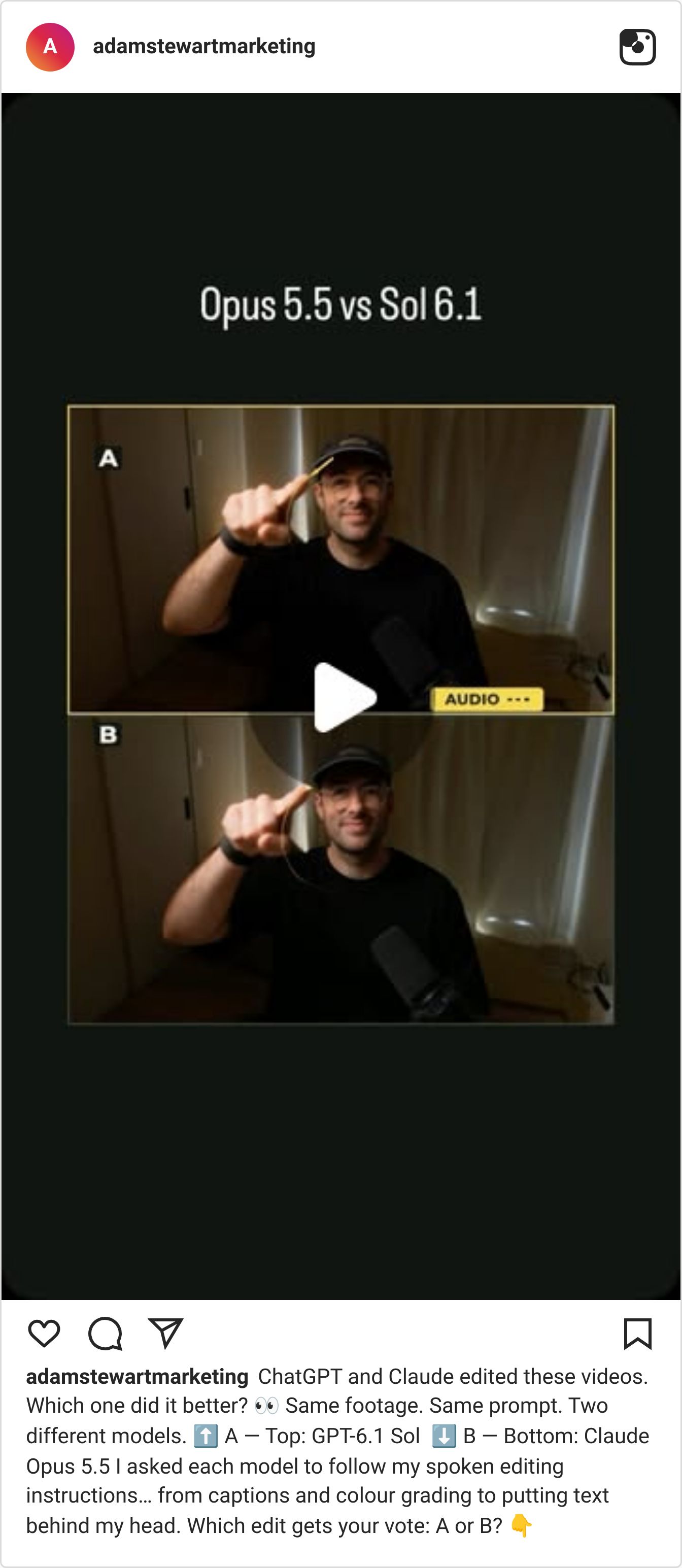
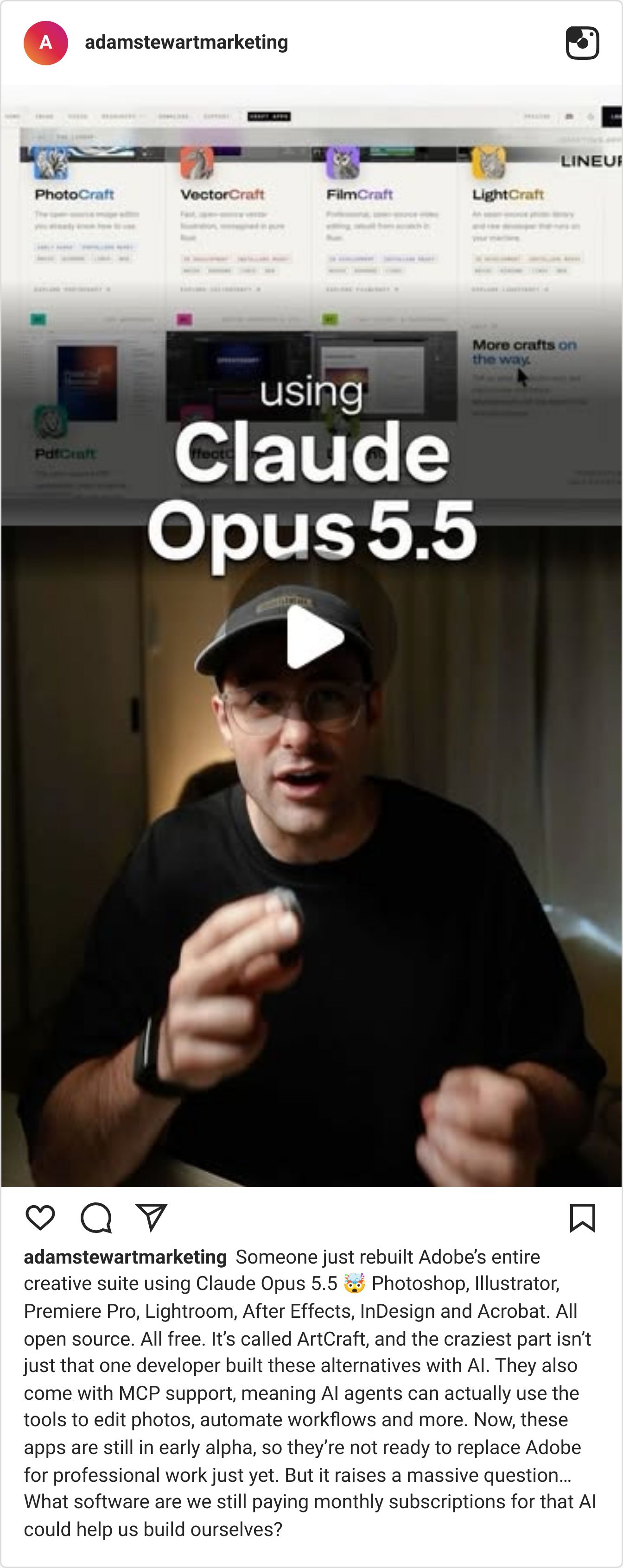
AI SYSTEMS LAB

On Thursday's Lab call we borrowed the rulebook aviation uses for maintenance manuals (roughly 900 approved words, one instruction per sentence, nothing left to interpretation) and used it to write instructions that leave nothing to guess, for AI and for your team.
We took one task from rough notes to a tested, reusable prompt in five steps: explain it, find the gaps, make it clear, try it, save it. The gaps are the good part. They're usually business rules you've never written down, like what to say when a customer asks for a start date you can't promise.
The rule from the call: before you hand a task to AI (or a new hire), ask what would they still have to guess? Then decide those answers yourself, instead of letting the AI improvise them.
The full recording, the gap-finder prompt and this week's job are in the Lab.
