OpenAI has introduced ChatGPT Work, an agent-style experience inside ChatGPT that can gather context from your apps, files and workflows, stay with complex projects for hours, and turn a goal into finished outputs like documents, spreadsheets, presentations, dashboards and web apps.
That changes the question.
Not:
“What should I ask ChatGPT?”
But:
“What work should I hand over?”
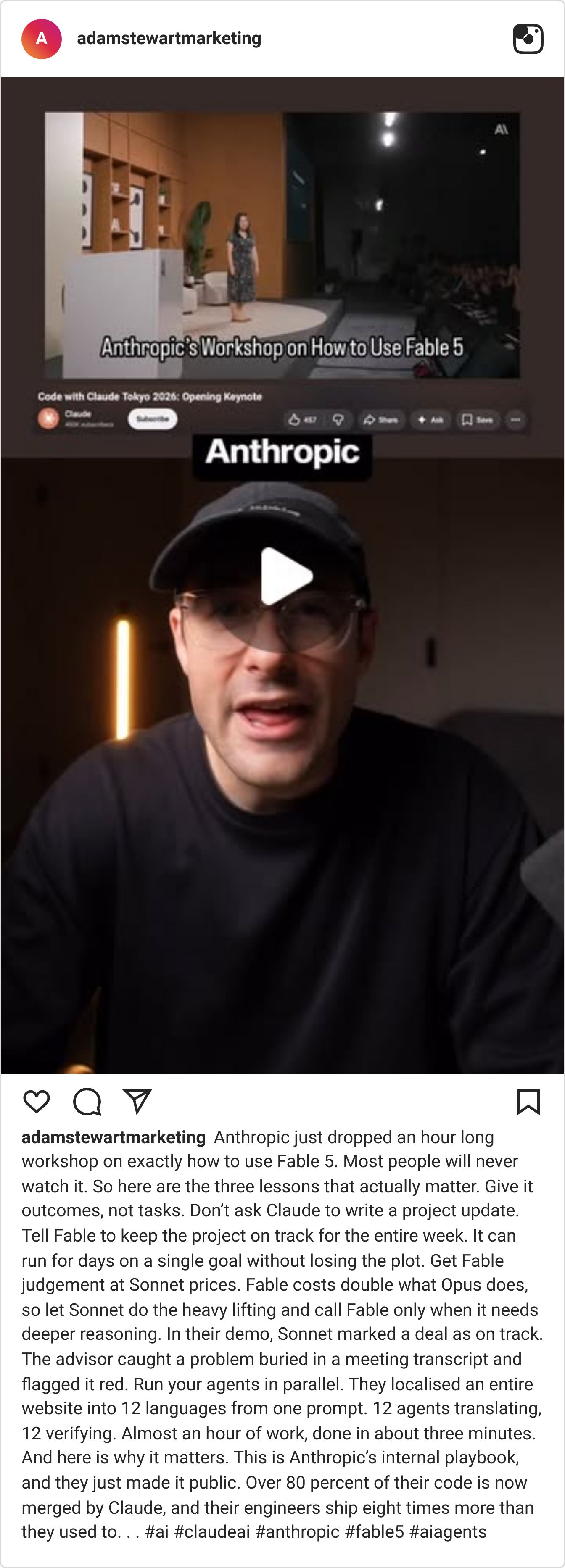
Fable 5 is still worth mentioning because the window isn’t fully closed yet. It’s available until 12 July PT for eligible paid Claude users, so there’s still time to use it for high-context work like audits, strategy, documents and messy decision-making.
But Fable was the warm-up.
ChatGPT Work is the bigger shift.
Fable showed why long-context, high-end models matter.
ChatGPT Work shows what happens when that intelligence connects to the places work already happens: files, email, calendars, Slack, Teams, CRMs, project trackers and internal docs.
The model is only half the story.
The real shift is the workflow around it.
So if you get access, don’t start with random prompts.
Start with one workflow you already understand.
Something repeated.
Something messy.
Something valuable.
Something you can review properly.
Here are five workflows worth testing first.
5 workflows to test with ChatGPT Work
If you get access to ChatGPT Work, don’t start with random prompts.
Start with one workflow that is repeated, messy or time-consuming.
Here are five good places to test it.
1: Turn customer research into a campaign brief
Give ChatGPT Work your customer notes, sales objections, survey responses, testimonials, reviews, website copy and offer details.
Then ask it to turn the mess into a campaign brief.
The output should include:
Audience pain points
Key objections
Core message
Campaign angle
Proof points
Email ideas
Ad angles
Landing page sections
Assets needed
Try this:
Use these customer notes, sales objections, reviews and offer details to create a campaign brief. Identify the strongest angle, the audience problem, the promise, the proof points, the objections we need to answer, and the assets we should create.The goal is not more content ideas. The goal is a clearer campaign.
2: Build a newsletter production system
This is the one we’re paying close attention to.
Most newsletters become inconsistent because the process is too manual.
Topic research in one place.
Drafting somewhere else.
Links scattered across tabs.
Examples saved randomly.
Performance data checked too late, or not at all.
ChatGPT Work is interesting because it could help turn newsletter production into a repeatable workflow.
A future version of this could use Scheduled Tasks to check AI news each morning, monitor selected sources, collect useful examples, and prepare a weekly research brief before the writing even starts.
That doesn’t replace editorial judgement.
It removes the blank-page problem.
Try this:
Review our previous newsletters, audience, content themes, source links and recent AI news. Build a repeatable newsletter workflow. Include the weekly research steps, decision criteria for choosing the lead story, draft structure, source-checking process, editing checklist, publishing checklist and post-send performance review.The output you want: A newsletter operating system. Not just this week’s issue.
3: Find the money leaking out of your sales process
This is one of the clearest business use cases.
OpenAI shared an example from Zapier where ChatGPT Work was used to review thousands of leads each month. It traced touchpoints across the CRM, email and other tools, found where follow-ups broke down, and generated a weekly executive dashboard that revealed seven figures in potential sales.
That’s the difference between: “Summarise my CRM.”
And: “Find the money leaking out of my process.”
Your version can start smaller.
Ask it to review recent leads, customer touchpoints and open opportunities.
Try this:
Review our recent leads and customer touchpoints. Identify which leads need follow-up, what context matters, where the process is breaking down, what the next best action should be, and create a weekly summary for the sales team.The output you want: A practical follow-up list. Not a generic CRM summary.
4: Turn meeting notes into action documents
Most teams don’t need more meeting summaries.
They need decisions, owners, blockers and next steps.
Give ChatGPT Work meeting notes, project docs, Slack messages, previous plans and open tasks.
Then ask it to produce an action document people can actually work from.
Try this:
Review these meeting notes and project materials. Create a clear action document with decisions made, open questions, blockers, owners, deadlines and the next three actions required to keep this project moving.The output you want: A project update that reduces confusion.
5: Build a project hub or launch tracker
Some work should not end as another document.
It should become something the team can actually use.
That’s where Sites becomes interesting.
Instead of only asking for a launch plan, you could ask ChatGPT Work to create a project hub, launch calendar, campaign tracker, internal portal or live dashboard.
Try this:
Review these launch materials and create a launch readiness hub. Include the timeline, key owners, open risks, missing assets, dependencies, approval steps and a daily status view we can use until launch.The output you want: A living project view. Not another static doc that gets outdated immediately.
Why the benchmarks matter but only a little?
OpenAI says GPT-5.6 Sol is setting new marks across long-running professional workflows, coding-agent tasks, cybersecurity, knowledge work, browsing, tool use and computer use.
That matters.
But don’t get lost in the leaderboard.
The practical takeaway is simpler:
The best models are getting better at staying with messy, multi-step work for longer.
That is the part that changes how teams use AI.
Not just:
“Can it answer this?”
But:
“Can it keep going until the work is usable?”
The simple rule
Don’t use ChatGPT Work for tiny tasks.
Use it when the work has too much context, too many files, too many handoffs, or too much copy-pasting between tools.
That’s where it becomes useful.
Not because it gives a smarter answer.
Because it can stay with the work longer.
💡 What to do this week
Don’t try to automate your whole business.
Pick one workflow that is repeated, annoying to do manually, easy to review, and useful if it becomes more consistent.
Give ChatGPT Work the context.
Ask for a finished output.
Then review it properly.
That’s the real shift:
From “help me think about this”
to “help me finish this.”
One note before you connect everything: permissions matter.
Decide what it should access, what it should never access, and which actions need approval.
The more powerful the workflow, the more important the guardrails.