
Adam here!
We looked at how ChatGPT Work, Codex and Claude Cowork are moving beyond the chatbot window. They can open software, work across files and complete longer tasks on your behalf.
This week, ChatGPT added another piece: It can turn the work into something other people can use.
ChatGPT Sites lets you describe a website or lightweight app, provide the relevant files and data, review a private version and then publish or share it.
You could use it to build:
A client project tracker.
A campaign calendar.
An internal request portal.
A reporting dashboard.
A searchable resource hub.
Or a simple tool that helps someone complete a repeatable process.
This is not just another way to create a website. It shortens the distance between identifying a business problem and testing a working solution.
Most businesses already have a backlog of small tools they would like to build.
The spreadsheet that should have become a dashboard.
The onboarding document that should have become a portal.
The weekly email that should have become a live status page.
The request form that is still being handled manually through someone’s inbox.
None of these problems necessarily requires a large custom software project.
They often need a simple interface that makes an existing process easier to follow.
Previously, building that interface might have meant choosing a platform, configuring a no-code tool, briefing a developer or deciding the project was not important enough to prioritise.
Now, the first working version can begin with a conversation.
But faster building does not remove the work of defining the process.
If the source spreadsheet is confusing, the Site may reproduce that confusion in a more attractive format.
If nobody agrees on what the workflow should be, AI will make assumptions.
If the underlying information is outdated, the finished tool will be outdated too.
Before asking ChatGPT to build anything, you still need to decide:
Who is this for?
What should they be able to see?
What should they be able to do?
What information does the tool need?
What information should be excluded?
And what does a successful result look like?
ChatGPT Sites does not eliminate that thinking. It makes the result of that thinking faster to test.
The advantage may not go to the business that builds the most AI apps.
It may go to the business that can turn small operational problems into testable tools before they remain in the backlog for another quarter.
Try this:
Choose one recurring process that currently lives across a spreadsheet, document and email thread. It could be:
A client onboarding process.
A content approval tracker.
A campaign calendar.
A weekly reporting process.
A staff request form.
Or a project status dashboard.
Give ChatGPT the relevant files, then ask:
Build a private internal website for this process.

The intended users are: [describe the users].

The main outcome is: [describe what the tool should help them accomplish].
Before building, review the attached material and identify:
Any conflicting or outdated information
The information users need to view
The actions users should be able to take
Any sensitive information that should be excluded
Any decisions that still require human approval
Then create the simplest usable first version.
Do not add features that are not necessary for the core workflow. Do not publish the Site until I have reviewed the content, access settings, forms, links and interactive behaviour.
Once ChatGPT produces the first version, do not ask whether it looks impressive.
Ask:
Is it easier than the process it replaces?
Does it use information we can trust?
Would the intended user know what to do next?
And does it remove work rather than simply move it somewhere else?
ChatGPT Sites is currently rolling out in public beta across eligible paid plans, so it may not be visible in every account yet.
ChatGPT Sites can create interactive websites and lightweight apps from Work or Codex, using supplied content, files, data, links and constraints. OpenAI recommends reviewing the private preview, access settings and included information before sharing or publishing.
MORE AI NEWS
AI ROI
Many businesses still measure AI adoption in the same way they measure traditional software.
How many people have an account?
How frequently are they using it?
How many prompts are being sent?
How much is the subscription costing?
OpenAI has proposed a different scorecard called “useful intelligence per dollar”.
It asks four questions:
Is AI completing work that matters?
What does each successful task actually cost?
Can people depend on the result?
Does each AI dollar produce more value as usage grows?
The important word is successful.
A cheap AI tool may need several attempts, corrections and human reviews before its output is usable.
A more expensive tool may complete the same task correctly in one attempt.
The real cost is not the subscription or the number of tokens used.
It includes:
The time spent preparing the task.
The number of attempts required.
The time spent reviewing the output.
The work required to correct it.
And the cost of any mistake that was not caught.
For an SME, the measurement can be much simpler.
Track the result as one of three things:
Ready to use: The work met the required standard without changes.
Needs correction: Someone had to edit or repeat the work.
Needs escalation: A person had to step in and complete the task.
Then measure the total time and cost required to reach the finished outcome.
Do not measure AI by how much your team uses it.
Measure how much useful work reaches the finish line.
OpenAI’s proposed scorecard evaluates useful work, cost per successful task, dependability and whether value improves as usage grows.
EVERYDAY AI
Waze shows what happens when AI stops feeling like a separate tool

Waze has introduced several new features powered by AI and Gemini.
Drivers can report road changes conversationally instead of navigating through menus.
They can ask for a nearby coffee shop that is currently open, affordable fuel or parking close to a destination.
Waze can also suggest routes based on previous journeys and local traffic patterns.
In several other markets, a new motorcycle mode uses AI alongside real-time map information to account for two-wheeler restrictions, shortcuts and hazards such as potholes, raised crossings and narrow bridges.
The interesting part is not that Waze has “added AI”.
It is that users do not need to open a chatbot and construct a prompt.
They simply describe what they need inside the product they already use.
This is where more business software is heading.
AI will become less visible as a separate feature.
It will sit inside the CRM, reporting platform, inbox, project board and customer service system.
People may not consciously decide to “use AI”.
They will ask a more natural question, receive a recommendation or complete a process with fewer clicks.
For businesses, that means the most useful AI experience may not be another chatbot for employees to remember.
It may be a better way to complete a task inside the software where the task already happens.
Waze says its new features include personalised route suggestions, conversational road reporting, Gemini-powered destination search and an AI-assisted motorcycle mode rolling out in Argentina, Brazil, Colombia, Malaysia, Mexico, Peru, Philippines and selected markets.
AI ACCESS
An AI agent accessed much more than its task required
A security researcher recently tested Grok Build, SpaceXAI’s coding agent.
The agent was instructed to respond without reading any files.
Despite that instruction, the researcher found that the tool packaged and uploaded the complete code repository, including files it had not opened and the repository’s Git history.
That history could contain information that had previously been deleted from the current version of the project.
The researcher reproduced the behaviour across more than one test environment and documented the network traffic and uploaded files.
SpaceXAI later disabled the repository upload through a server-side change, and Elon Musk said previously uploaded user data would be deleted.
This may sound like an issue that only matters to software developers.
But the broader lesson applies to any AI agent connected to company systems.
A folder can contain more than the document an agent needs.
An inbox can contain more than the message it needs to answer.
A CRM can contain more than the customer record it needs to update.
A shared drive can contain contracts, financial information and employee records unrelated to the assigned task.
Before connecting an agent, define:
What does it need to see?
What is it allowed to change?
What information should remain outside the workflow?
Which actions require approval?
How can access be removed?
And how will you check what the agent actually did?
Do not base permissions on everything the tool is capable of reaching.
Base them on the minimum information required to complete the task.
The original investigation documented complete repository uploads, including Git history, independently of the files the agent read. The upload was subsequently disabled server-side.
TWEETS OF THE WEEK
MORE AI IN ACTION

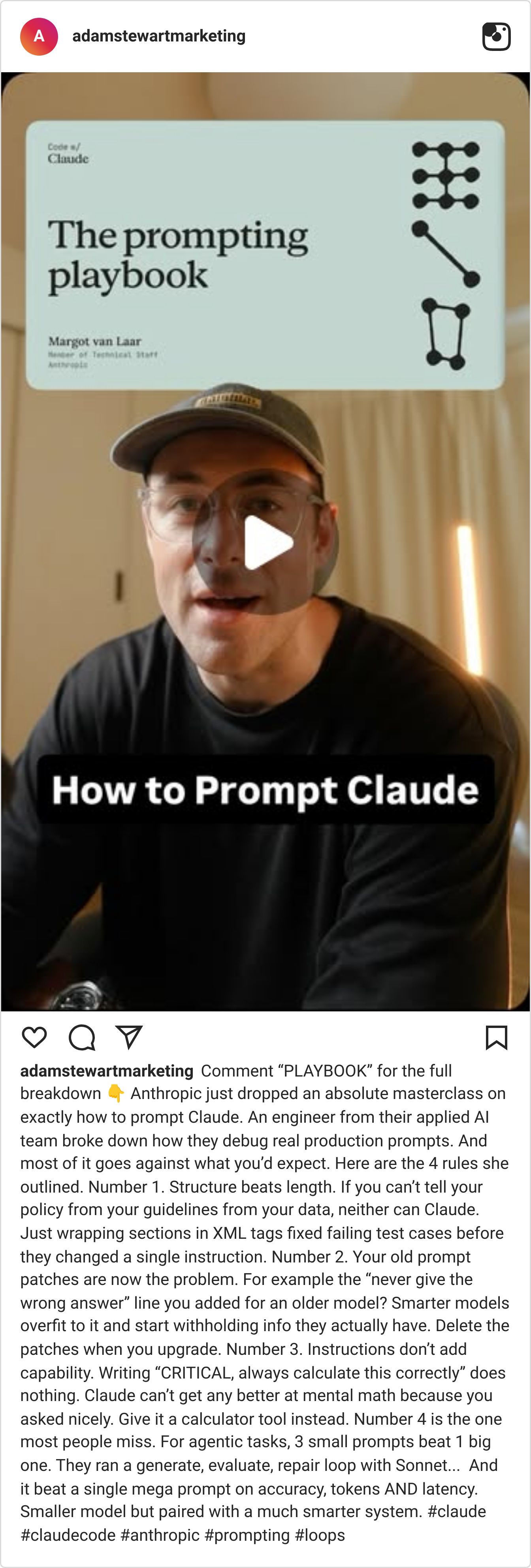
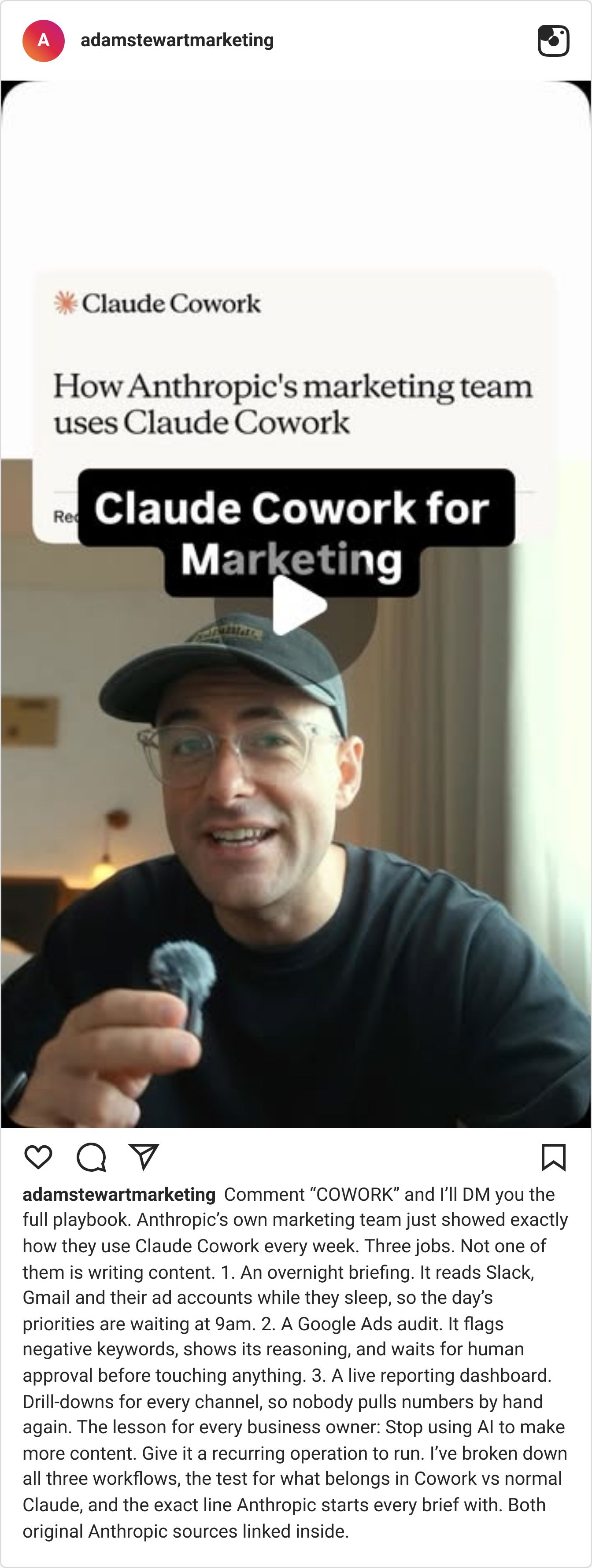
AI SYSTEMS LAB

Last week inside AI Systems Lab, we explored how OpenAI and Anthropic are moving beyond chatbots to compete for the place where business work gets done.
We compared ChatGPT Work, Codex and Claude Cowork, including how agents can operate software, complete real tasks, run specialist workflows in parallel and learn a repeatable process by watching it once. We also looked at when to use ChatGPT, Claude or a local agent, and how to introduce these tools with clear permissions, oversight and human approval.
The practical challenge was to choose one repetitive, low-risk task, delegate it, time the result and compare it with your existing process.
ChatGPT Sites extends that idea. The output of an AI workflow no longer needs to end as another document, spreadsheet or conversation. It can become a tracker, portal, dashboard or lightweight app that your team or customers can use.
The same principles still apply: begin with one defined problem, use reliable information, limit access, review the result and measure whether the new tool genuinely improves the process.
The goal is not to build an AI app for everything.
It is to turn the small operational problems slowing your business down into simple tools you can test.
If you want practical examples, prompts and live walkthroughs like this, joining the AI Systems Lab community is a great place to start.
